



Die MotionBlinds WiFi Bridge CM-55 ist die neueste Generation WiFi Bridge mit Matter Unterstützung, speziell für MotionBlinds Bluetooth Motoren entwickelt.
Mit dieser Bridge verbindest du deine smarte Fensterdekoration mühelos mit allen großen Smart Home Plattformen wie Apple Home, Google Home, Amazon Alexa und Samsung SmartThings.
Nur Bluetooth
Smartblinds mit einem Bluetooth Motor können direkt mit der MotionBlinds Bluetooth App gesteuert werden. Innerhalb der Bluetooth Reichweite kannst du deine Fensterdekoration öffnen und schließen und Timer einstellen. Ohne Bridge funktioniert die Steuerung nur lokal in der App und deine Smartblinds können nicht mit einer Smart Home Plattform verbunden werden.
Bluetooth + Bridge (MotionBlinds CM-55)
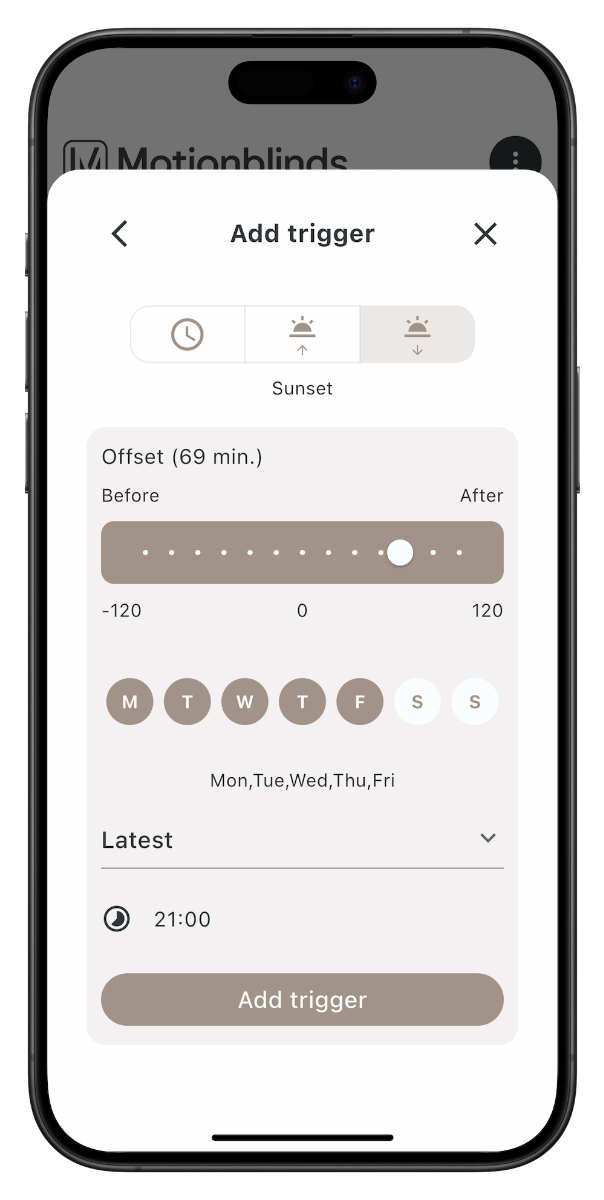
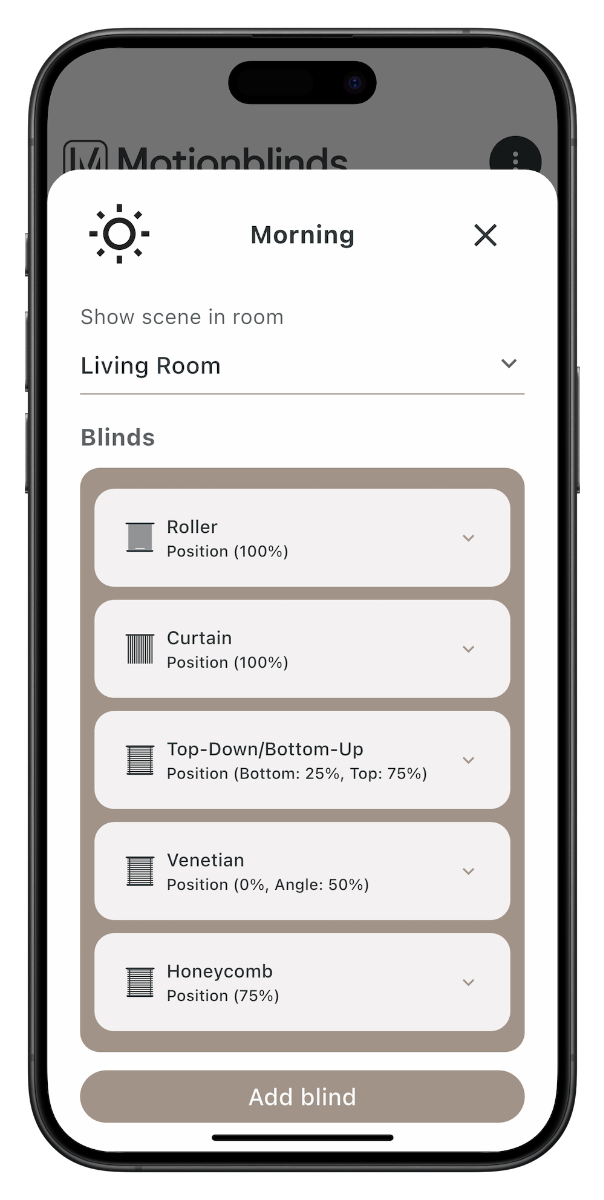
Mit der MotionBlinds WiFi Bridge CM-55 fügst du eine vollständige Smart Home Integration hinzu. Diese MotionBlinds WiFi Bridge CM-55 ermöglicht die Fernsteuerung und verbindet deine Smartblinds mit Apple Home, Google Home, Amazon Alexa und Samsung SmartThings. So kannst du Szenen erstellen, Automationen einrichten und deine Smartblinds nahtlos in dein gesamtes Smart Home integrieren.
Die MotionBlinds WiFi Bridge CM-55 und die Matter Motoren bieten beide Unterstützung für Matter, allerdings auf unterschiedliche Weise. Die Bridge ist für vorhandene MotionBlinds Bluetooth Motoren entwickelt, während der Matter Motor sich direkt mit einem Matter Netzwerk verbindet.
Matter Bridge (CM-55)
Die MotionBlinds WiFi Bridge CM-55 wandelt Bluetooth Signale in eine Matter Verbindung um. Dadurch können bestehende Smartblinds in ein Matter fähiges Smart Home integriert werden. Die Bridge verwendet WiFi für die Verbindung mit deinem Matter Netzwerk.
Matter Motor
Die neuesten Smartblinds Motoren haben eine integrierte Matter Unterstützung. Sie verbinden sich direkt per WiFi oder Thread mit deinem Matter System, ohne dass zusätzliches Zubehör erforderlich ist.
Welche Lösung brauchst du?
Wenn du Smartblinds mit einem Bluetooth Motor hast, benötigst du die MotionBlinds WiFi Bridge CM-55 für die Integration in Matter. Bei neuen Smartblinds mit einem Matter Motor ist keine Bridge erforderlich.
Hinweis
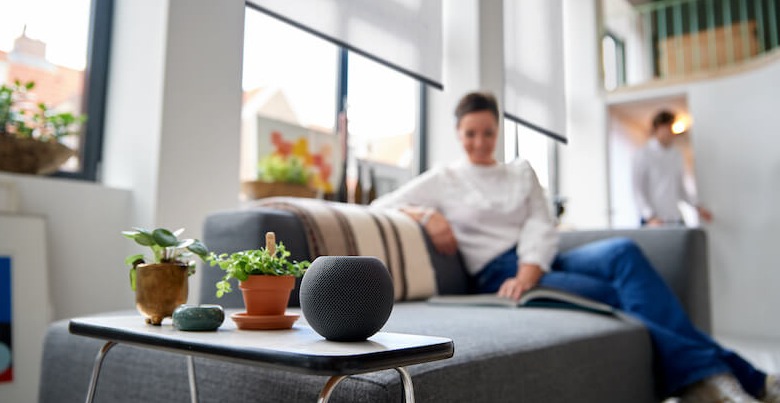
Für Matter wird ein Matter oder Thread Border Router benötigt, zum Beispiel Apple HomePod mini, Apple TV 4K (3. Generation), Google Nest Hub (2. Generation) oder Amazon Echo (4. Generation). Sieh dir alle unterstützten Smart Hubs für deine Matter Smartblinds an.
Maße: 90 x 90 x 23,8 mm
Farbe: Schwarz
Kompatible Motoren: MotionBlinds Bluetooth Motoren
Smart Home Plattformen: Apple Home, Google Home, Amazon Alexa, Samsung SmartThings, Home Assistant
Netzwerk: 2,4 GHz WiFi für die Matter Einbindung mit der MotionBlinds WiFi Bridge CM-55
Voraussetzungen: Matter oder Thread Border Router (zum Beispiel Apple HomePod mini, Apple TV 4K 3. Generation, Google Nest Hub 2. Generation oder Amazon Echo 4. Generation)
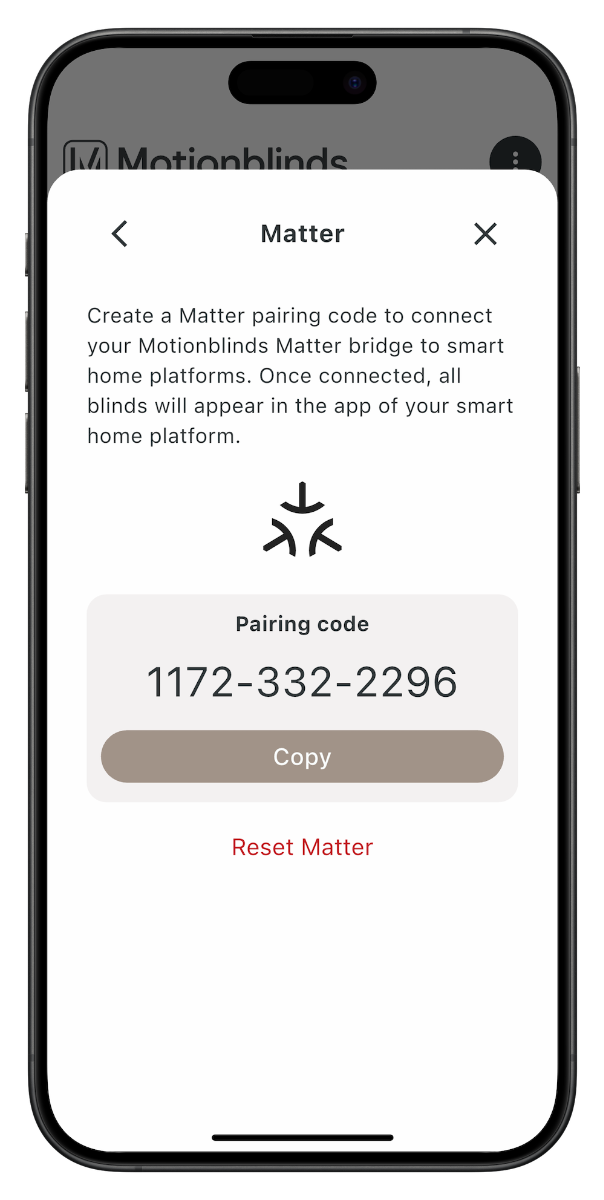
Installation: Kopplung über QR Code in der MotionBlinds App
Platzierung: innerhalb der WiFi Reichweite deines Routers
Möchtest du genau sehen, wie du die MotionBlinds WiFi Bridge CM-55 installierst oder mit deinen Smartblinds mit Bluetooth Motor koppelst? In der Anleitung wird Schritt für Schritt erklärt, wie du die MotionBlinds WiFi Bridge CM-55 anschließt, über die MotionBlinds App koppelst und in Apple Home, Google Home, Amazon Alexa oder Samsung SmartThings integrierst.

Apple HomeKit

Google Home

Amazon Alexa

Samsung SmartThings

Home Assistant*
* Erfordert die Matter- und OpenThread-Erweiterung in Home Assistant sowie die Home Assistant Companion App für iPhone oder Android. Die Einrichtung wird auch mit anderen kompatiblen Thread Border Routern oder Home Assistant OS-Installationen unterstützt.